

The FormMaster Spreadsheet App

Money Back Guarantee


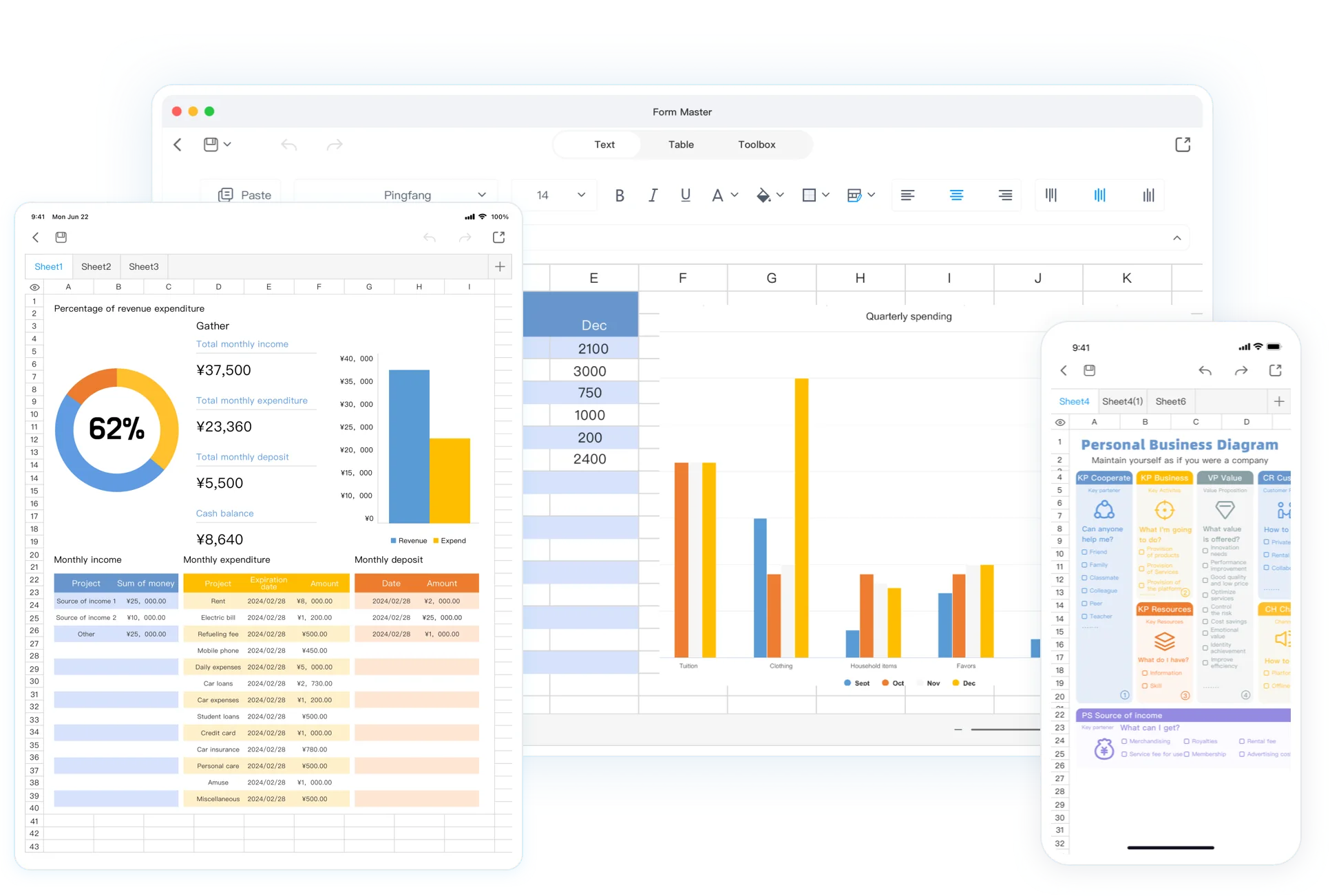
Work anywhere
Stay productive beyond the office

Capture every record
Track data and organize life

Create in one tap
Build the templates you need with ease

Ready-made templates
for everyday work

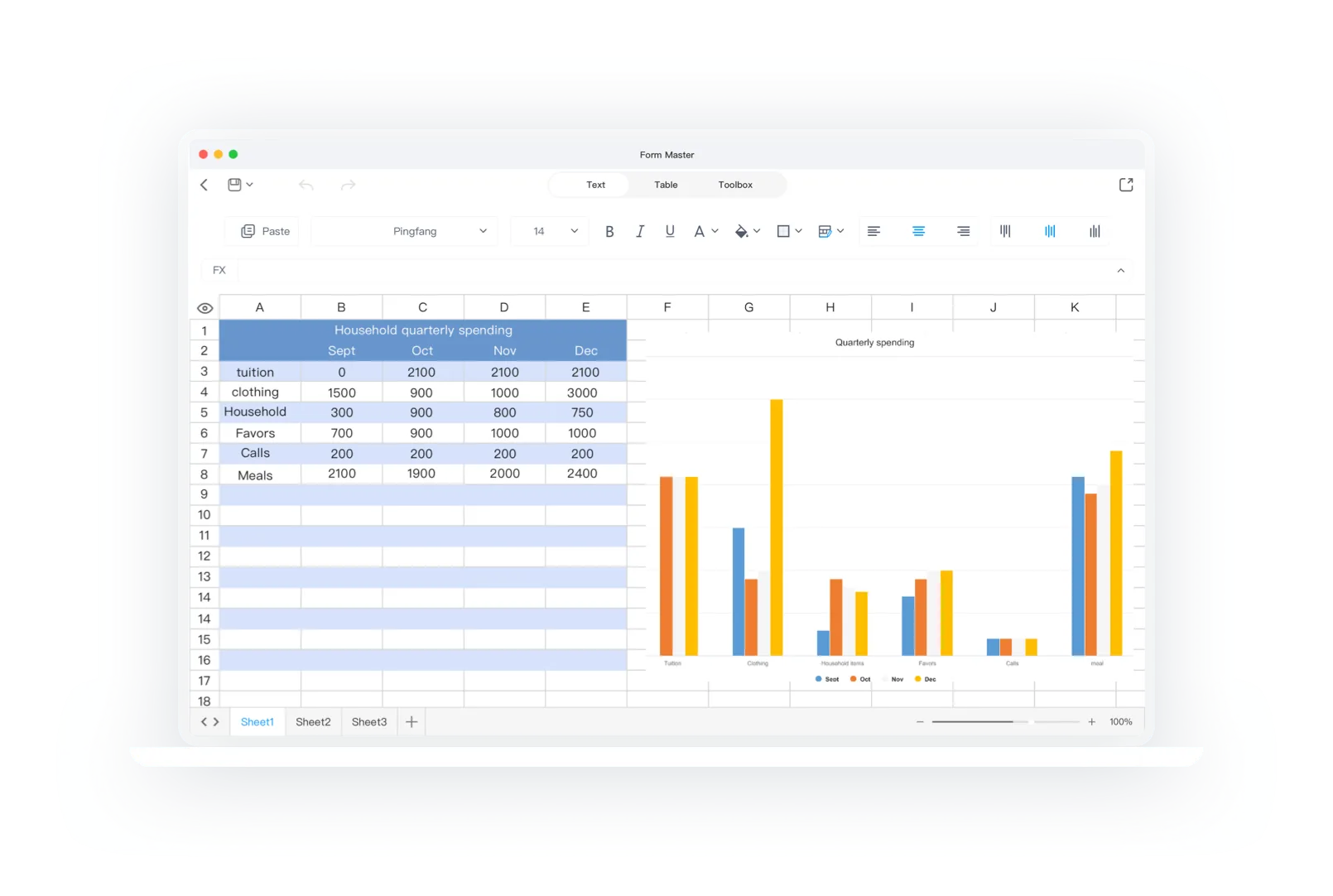
Simple calculations
clear results
Use an intuitive calculation workspace with sum, average, max, min, and other common operations. Pair it with charts to spot trends faster and make better decisions across iPhone, iPad, and Mac.
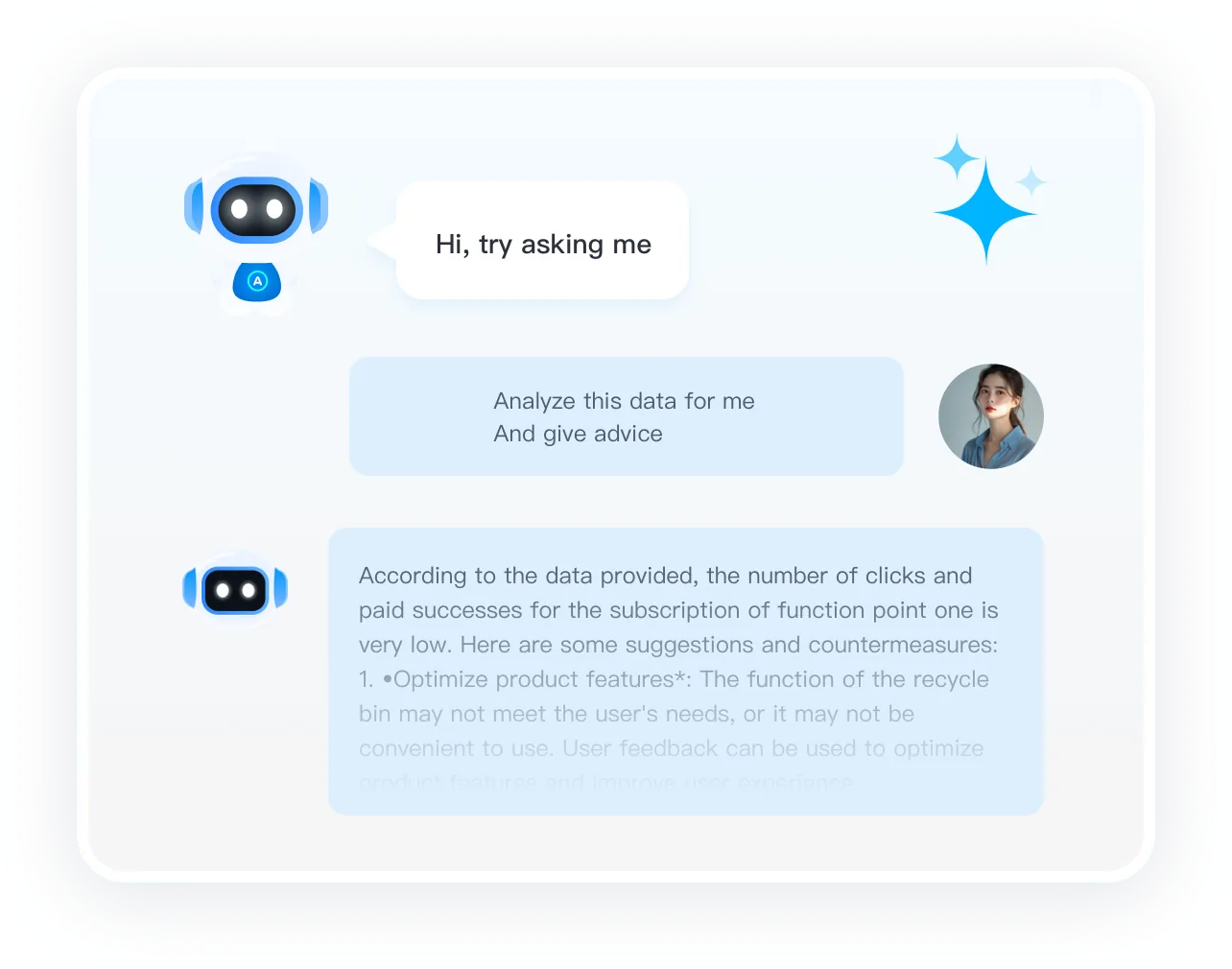
AI assistance
AI for spreadsheet tasks
From data cleanup to chart building and formula help, our AI assistant handles repetitive work quickly and accurately so you can focus on higher-value tasks and decisions.
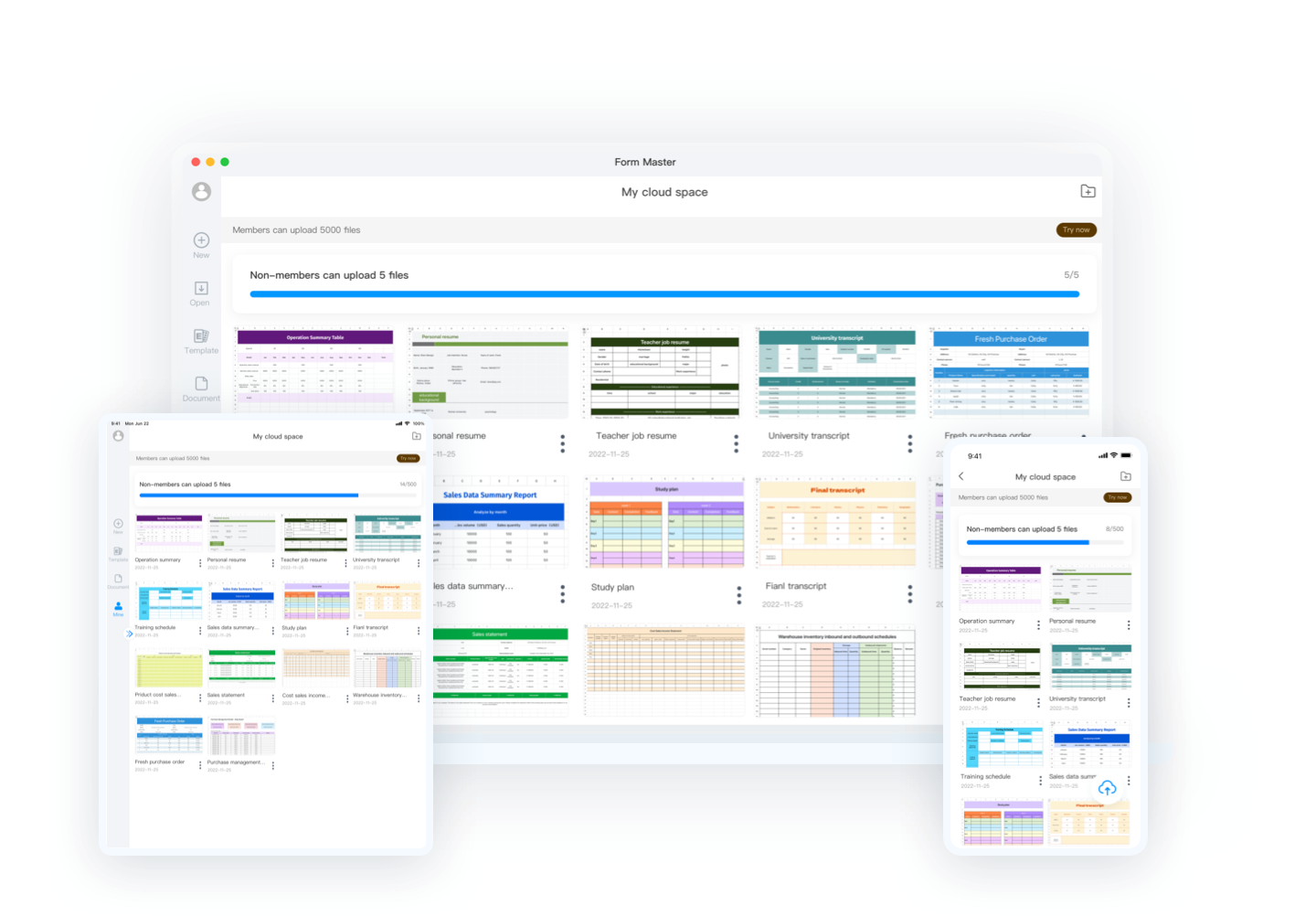
Multi-platform synchronization
work across devices
Upload, edit, and share files through cloud space with real-time collaboration. Work smoothly across iPad, iPhone, and Mac whenever your team needs it.
The FormMaster app, templates, and tutorials
FormMaster is a spreadsheet app. Explore the app, browse templates and tutorials, compare membership plans, and choose a download for your device.
Explore the FormMaster app
Learn about the spreadsheet app and find downloads for supported devices.
Browse spreadsheet templates
Find templates for common work, study, and planning tasks.
Learn with tutorials
Browse guides about spreadsheet features and everyday tasks.
Compare membership plans
Review the current membership options and the benefits listed for each plan.
Frequently asked questions
Which spreadsheet files can I use in FormMaster?
The FormMaster app supports Excel (.xlsx) and CSV files. Check important formulas and formatting after importing a workbook.
Which devices can I use FormMaster on?
Use the Windows, macOS, iOS, or Android version to continue working with spreadsheets across your devices.
What can I use FormMaster for?
Use it for work, study, data organization, and team collaboration with templates, formulas, and AI-assisted tools.
Can I use formulas and charts?
Use common calculations and formulas to summarize data, then use tables or charts when they help you review trends, totals, or exceptions.
How do spreadsheet templates help?
Templates provide a starting structure for repeatable tasks. Replace sample values, adjust labels and calculations, and keep the reviewed sheet ready for the next update.
How should I use AI tools with spreadsheet work?
Use AI-generated suggestions as a starting point for formulas, organization, or explanations, then verify the inputs, calculations, dates, and conclusions before relying on them.
Can a spreadsheet support team coordination?
A clear shared structure can support handoffs and recurring updates. Keep headers, ownership notes, and review steps understandable so the next person can continue the work safely.
Is FormMaster right for every spreadsheet task?
Check that the app supports the file formats, formulas, and features you rely on before moving important work.